scrawLFO
A drawable LFO: instead of picking from stock waveforms, you draw the shape you hear in your head - Check out the interactive demo
scrawLFO cut down to fit a web page, moving a small synth: turn your sound on and press Play.
 scrawLFO
VST3 and Max for Live device for Ableton Live.
Scrawl it, shape it, hear it.
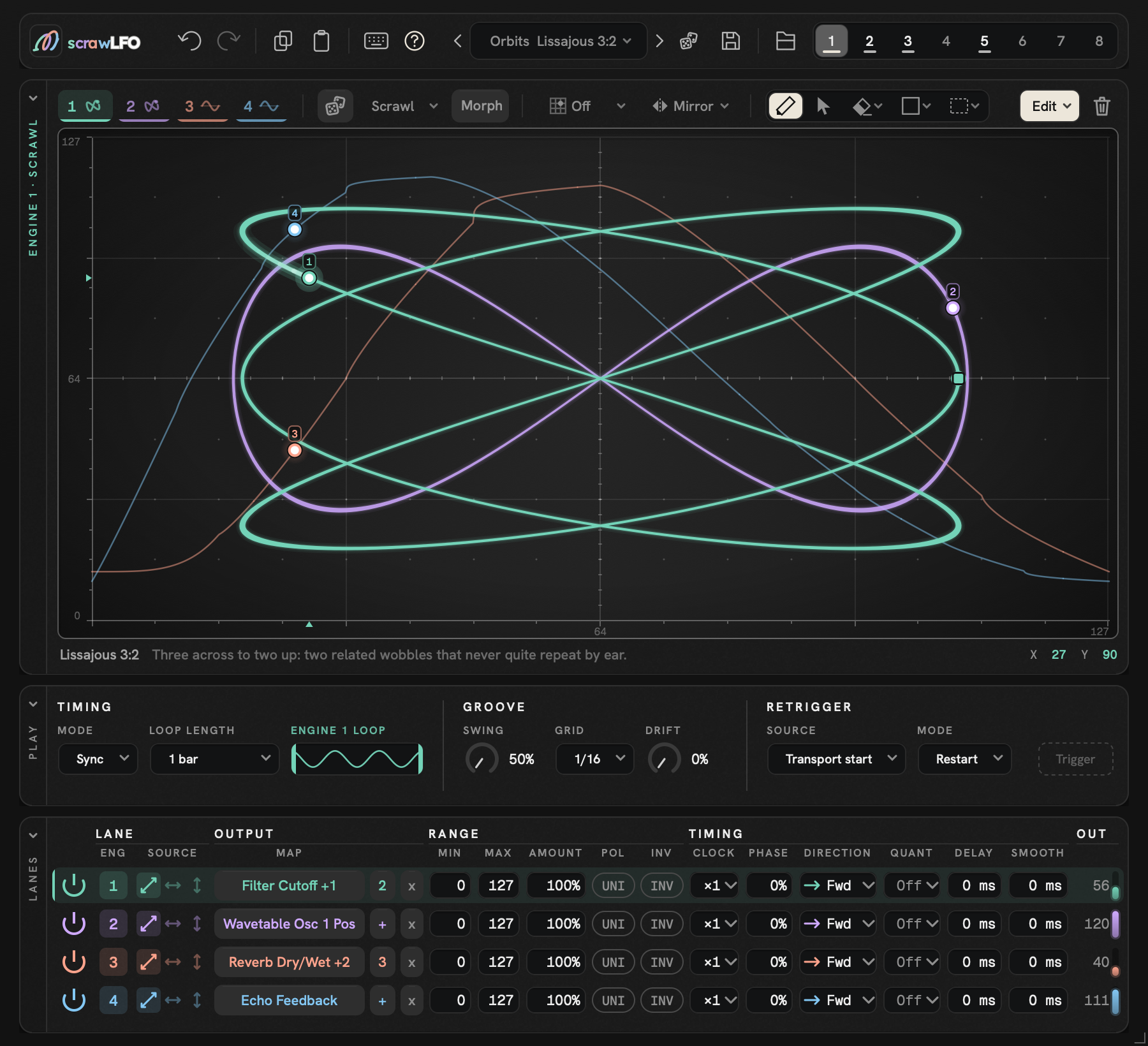
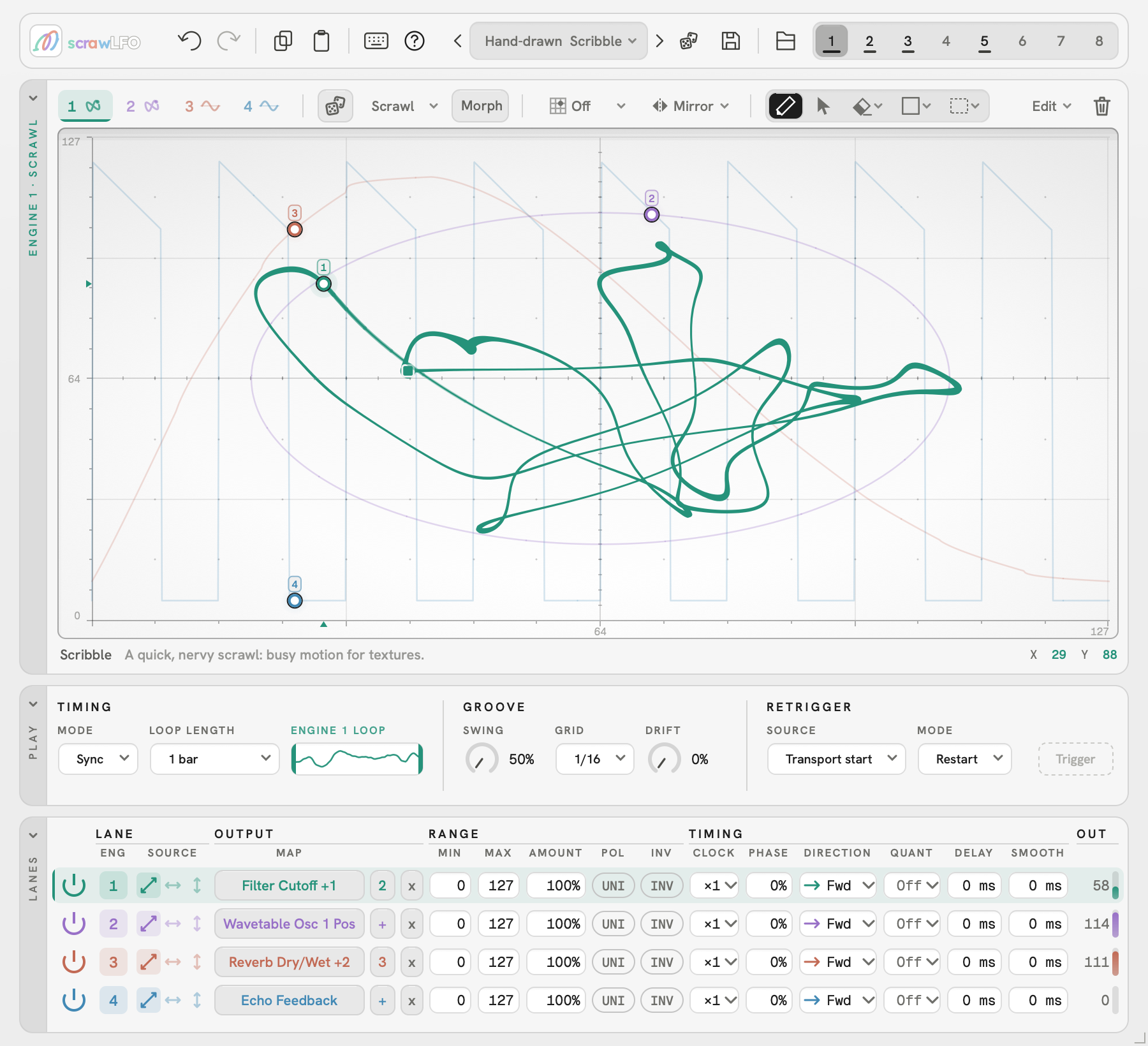
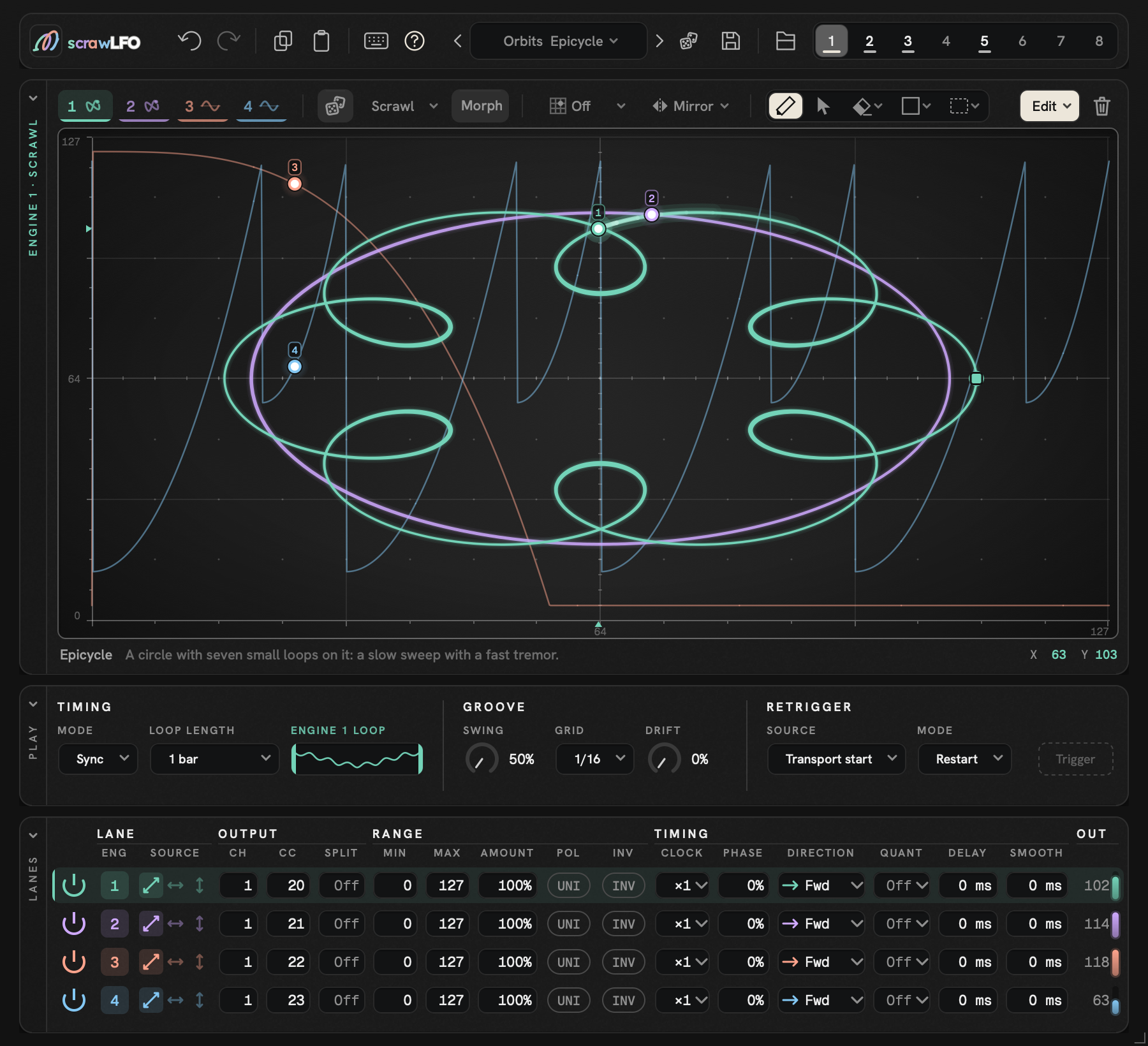
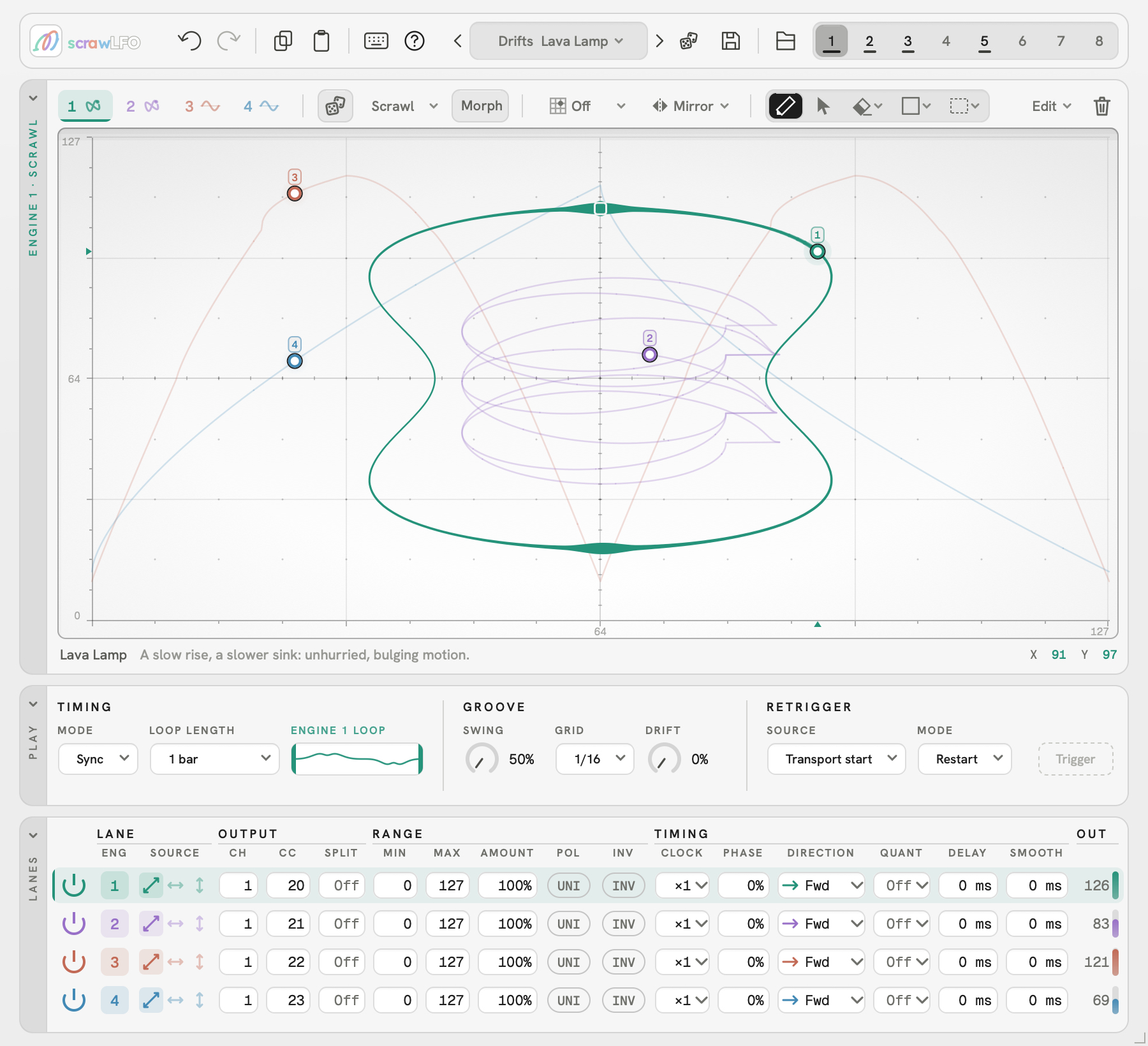
What is it?
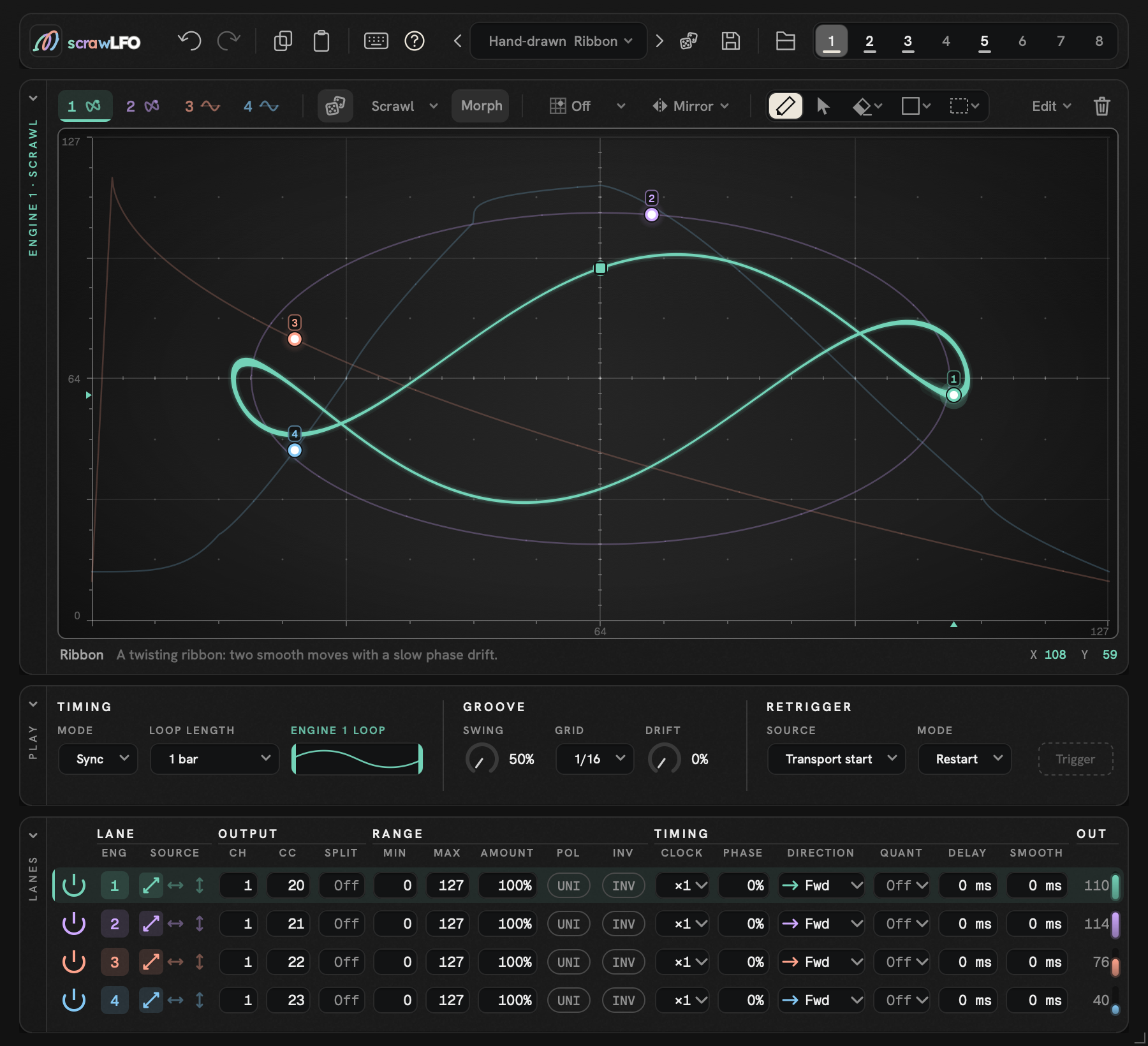
scrawLFO is a drawable LFO by kalikoDSP a Max for Live device for Ableton Live 12, and a VST3 for other DAWs, where it drives any synth or effect that responds to MIDI CC.
Most LFOs hand you a menu: sine, triangle, square, random. scrawLFO provides you with tools to create and draw the shape you actually want and let it drive your sound.
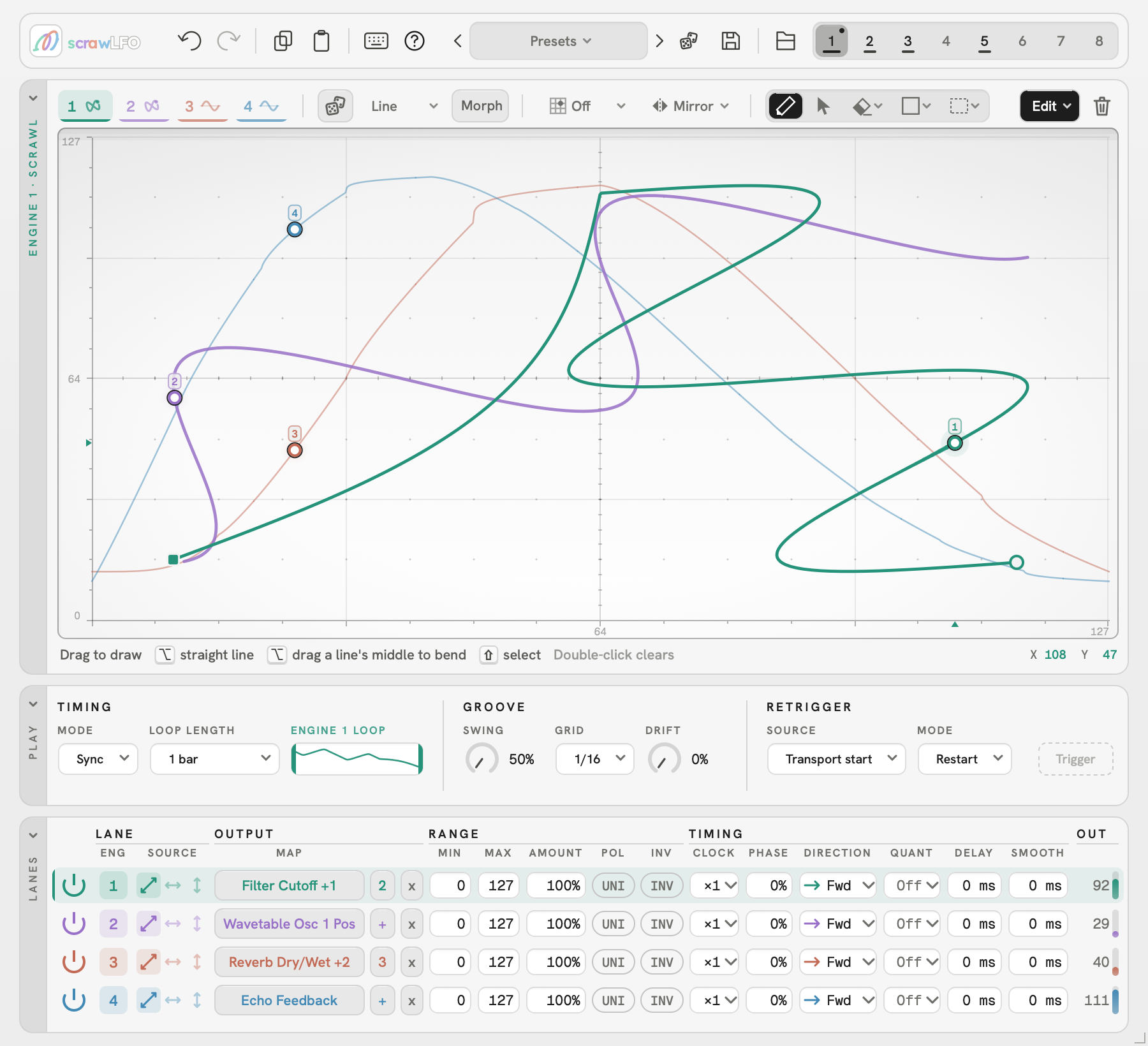
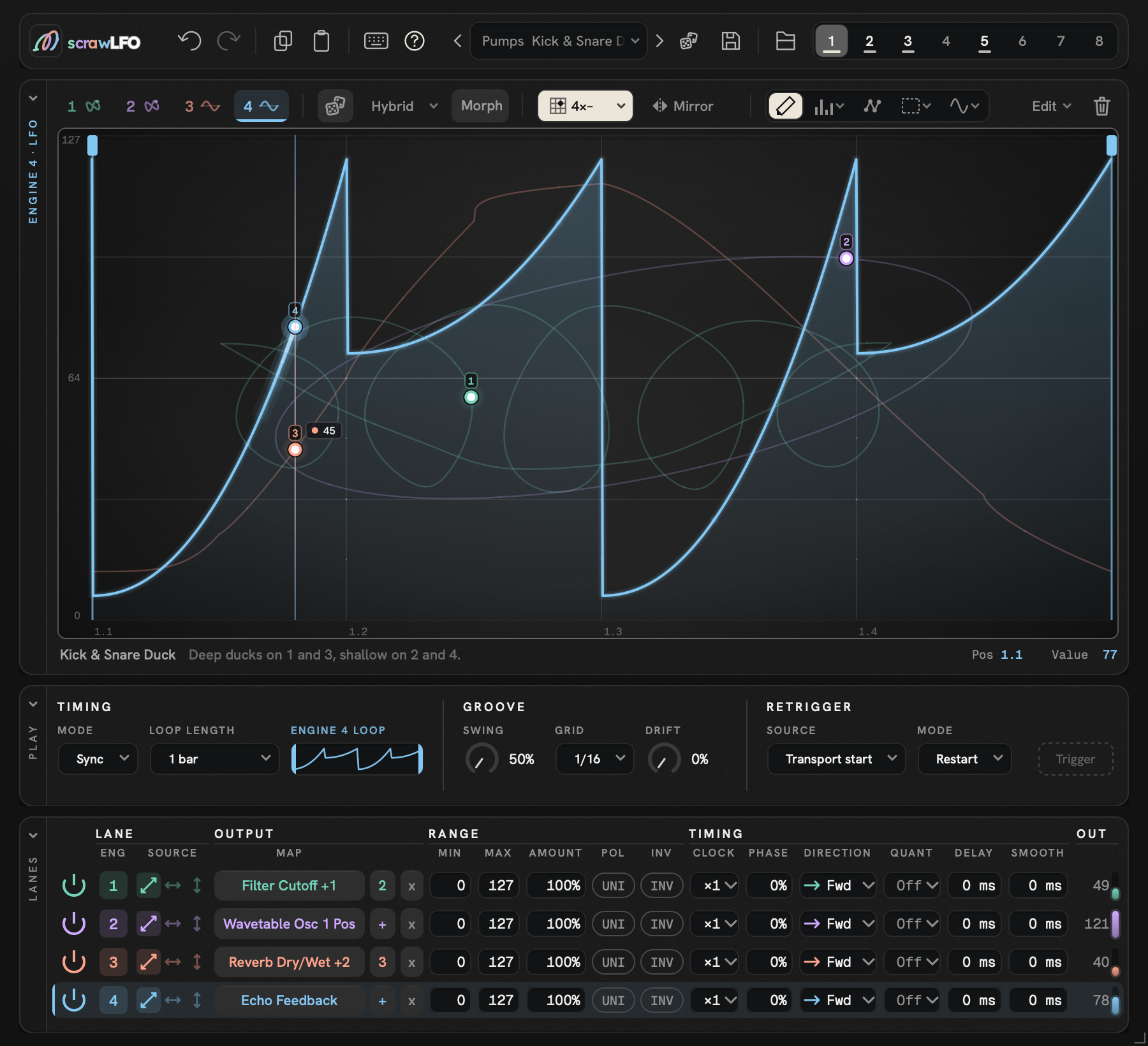
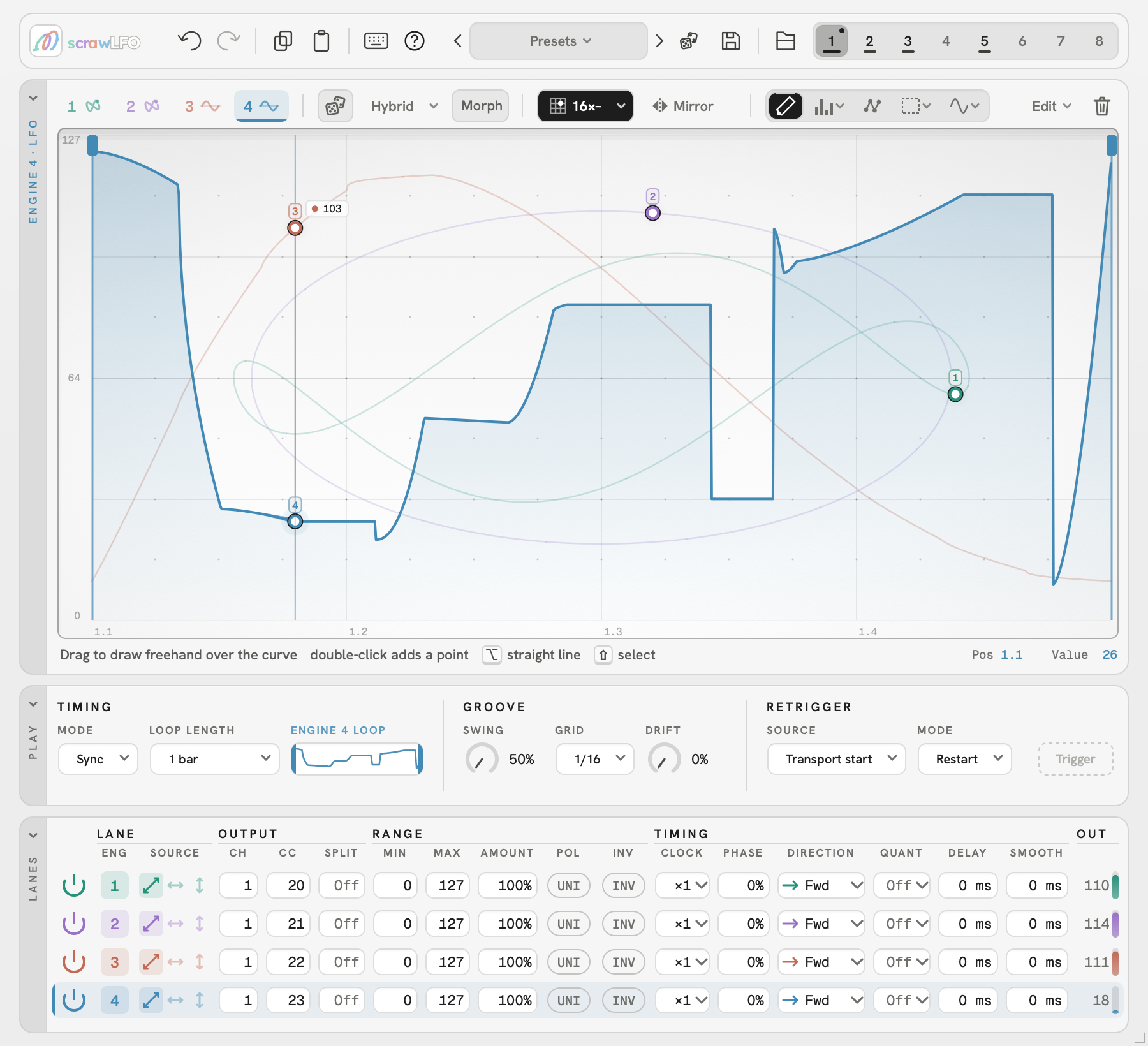
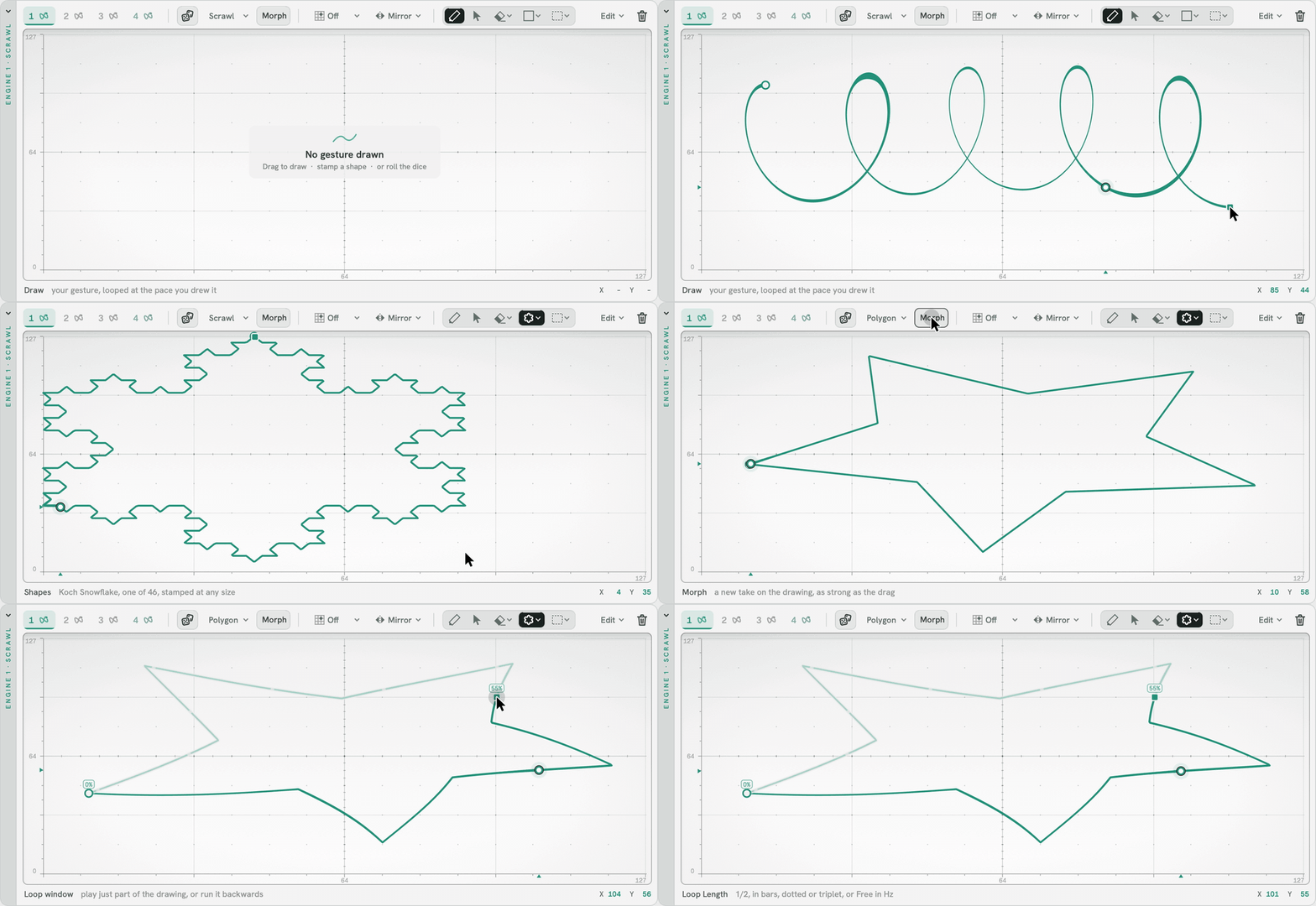
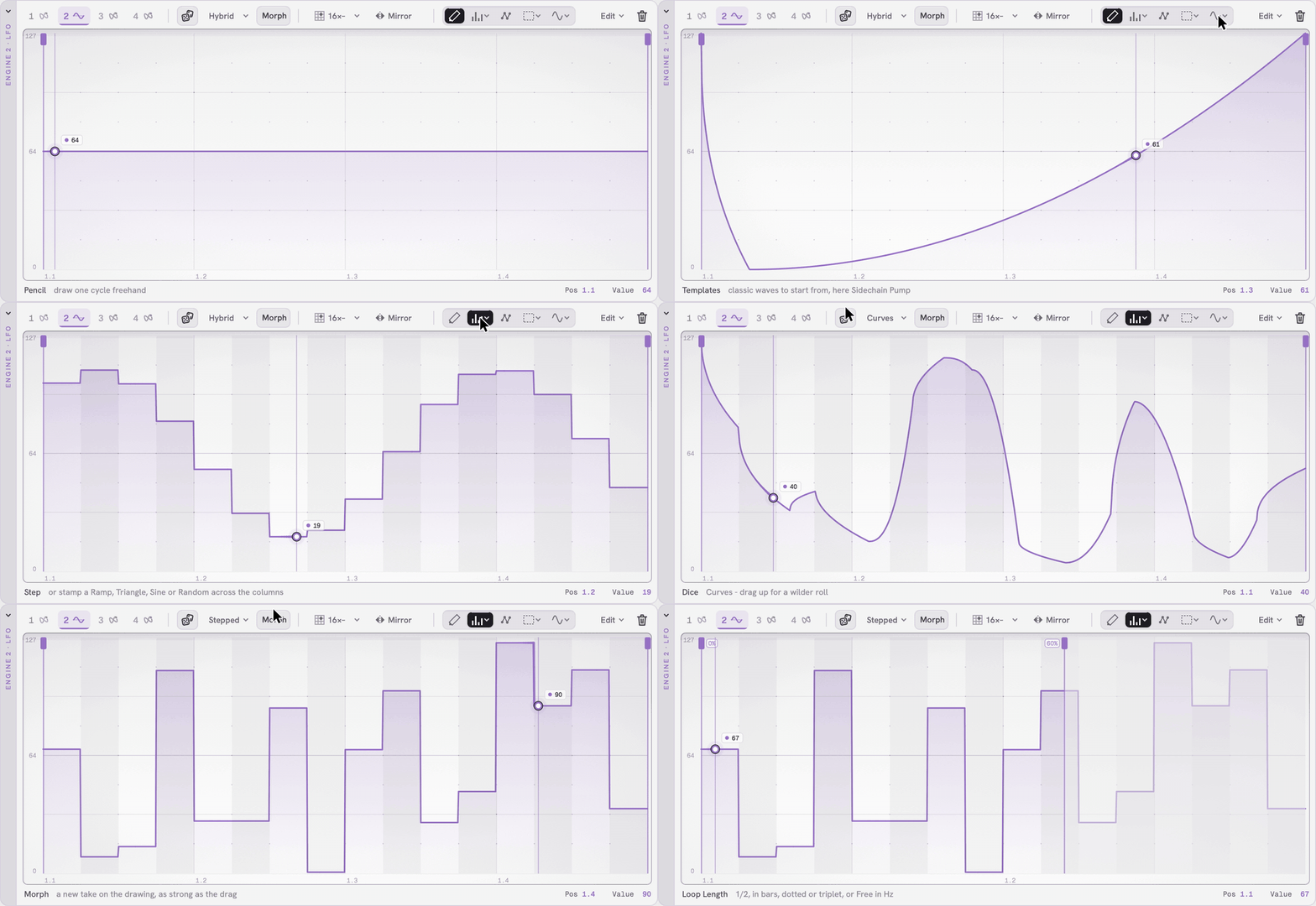
Each engine has two modes. As an LFO, draw with the Pencil, paint steps or place points. As a Scrawl, draw a shape on the XY pad and it loops with your timing.
Grid snap, mirroring and 45 shapes help you draw. Roll the Dice for a fresh drawing, Morph to nudge it, or add Drift for variation on every pass. 96 factory presets get you started, and you can save and share your own.
Four colour-coded engines run concurrently. In Ableton, each drives up to eight parameters; in other DAWs, each sends its own MIDI CC. Lock them to tempo or let them run free.
Within a few strokes, a static pad starts breathing, a loop starts conversing with itself, and your sound is transformed. Altered, recast, but always musical and usable.
Features
Two ways to draw: an LFO waveform editor (Pencil, Step and Points tools, 19 waveform templates) and a Scrawl XY pad that records your gesture for up to 60 seconds96 factory presets across both modes, plus your ownDrawing aids: grid snap, mirror, 45 stamp shapes, flip, reverse and smoothDice for a new random drawing, Morph to nudge the current one, Drift for variation on every passFour independent engines running simultaneously, colour-coded in amber, sky blue, pink and greenUp to 8 targets per engine in Max for Live; in VST3 hosts, each engine's CC can drive as many devices as your DAW allowsDark and light skinsTempo sync, free-run and retrigger modes
System requirements
| Requirement | Max for Live | VST3 |
|---|---|---|
| DAW | Ableton Live 12 Suite, or Live 12 Standard with the Max for Live add-on | Tested in Bitwig Studio, Cubase, FL Studio, REAPER and Studio Pro; other hosts that accept MIDI out of a VST3 may work |
| Not supported | Live Intro, Live Lite, Live 11 and earlier, other DAWs | Ableton Live (use the Max for Live version), Logic Pro (no Audio Unit), Reason (takes no MIDI out of VST3) |
| Format | Max for Live devices: scrawLFO MIDI and scrawLFO Audio | VST3 MIDI effect (sends MIDI CC, no audio) |
| Max version | Max 9 (built and tested in Max 9.1.5, the version that comes with Live 12.4); no separate Max install needed | Not required |
| macOS | macOS 11 or later; Apple Silicon or Intel | macOS 11 or later; Apple Silicon or Intel |
| Windows | Not supported yet (Mac only for now) | Not supported yet (Mac only for now) |
| Installation | Its own disk-image installer (scrawLFO for Ableton Live); puts both devices in your Live User Library | Its own disk-image installer (scrawLFO VST3); puts scrawLFO in /Library/Audio/Plug-Ins/VST3 |
| Disk space | About 38 MB (the two devices and their own copy of the VST3) | About 31 MB |
Get in touch
Questions, press, or early access: hello@kalikodsp.com