Manuals
Two guides to scrawLFO 1.0, one for each way it runs. In Ableton Live, read the Max for Live guide; in any other DAW, the MIDI CC guide. Both come with the plug-in too: click the logo in scrawLFO's window and choose Manual.
Ableton Live 12
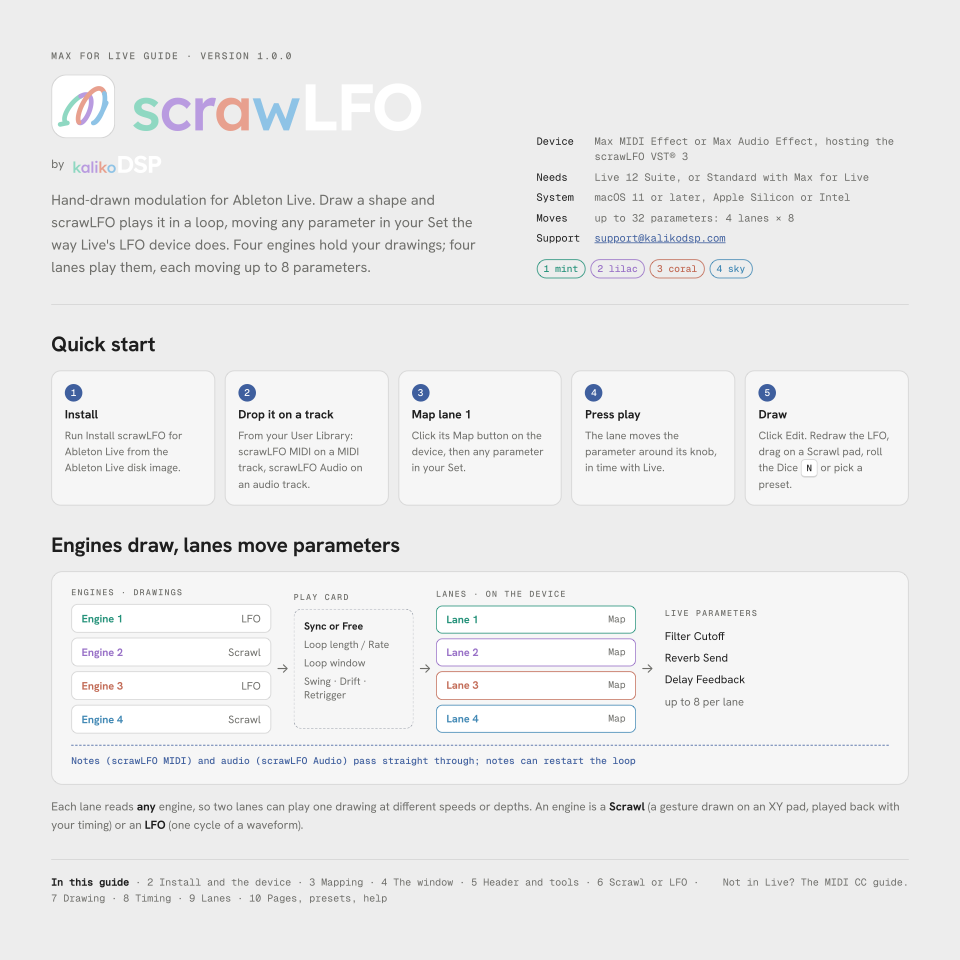
Max for Live guide
Hand-drawn modulation for Live. Map each of the four lanes to up to eight parameters anywhere in your Set, the way Live's own LFO device does. For the scrawLFO MIDI and scrawLFO Audio devices; needs Live 12 Suite, or Standard with Max for Live.
- Install and the device
- Mapping
- The window
- Header and tools
- Scrawl or LFO
- Drawing
- Timing
- Lanes
- Pages, presets, help
PDF · 10 pages · 1.6 MB · version 1.0.0
Bitwig, Cubase, REAPER and other VST®3 hosts
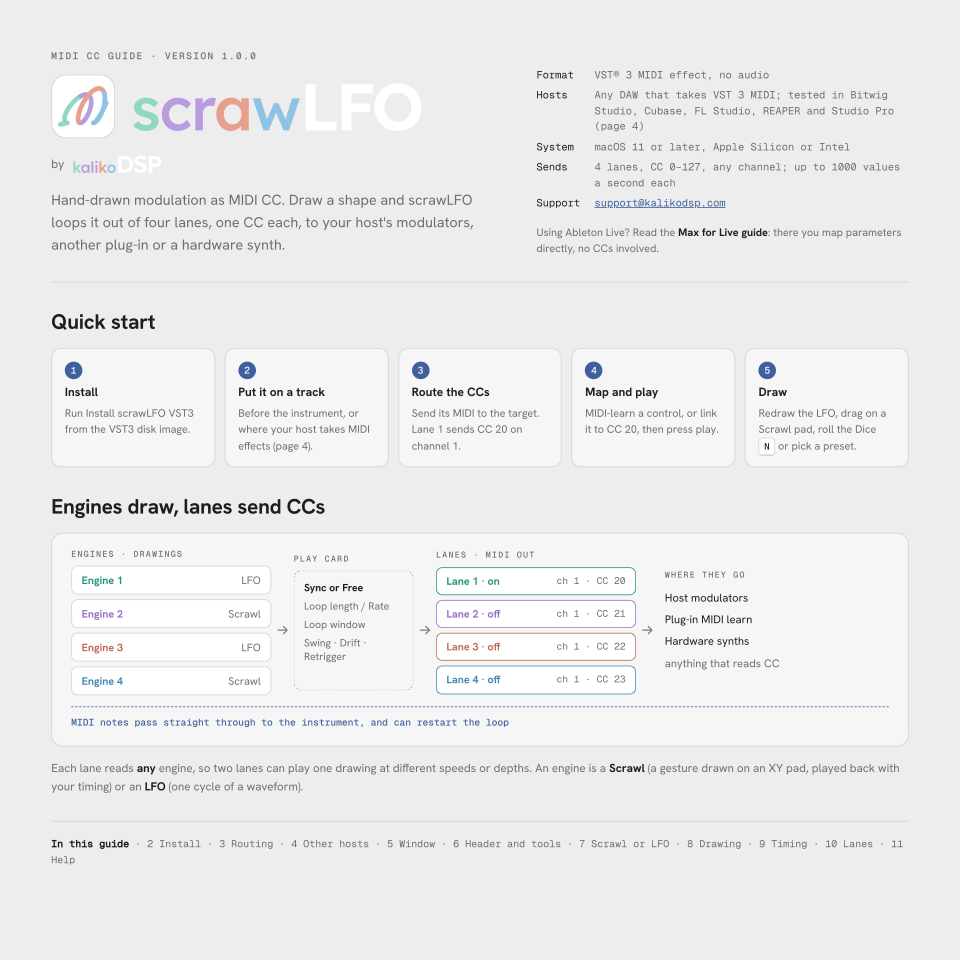
MIDI CC guide
Hand-drawn modulation as MIDI CC. Four lanes, one CC each, to your host's modulators, another plug-in or a hardware synth. Covers routing in Bitwig Studio, Cubase, FL Studio, REAPER and Studio Pro.
- Install
- Routing
- Other hosts
- The window
- Header and tools
- Scrawl or LFO
- Drawing
- Timing
- Lanes
- Help
PDF · 11 pages · 1.7 MB · version 1.0.0